
Middle East · Bahrain · India
Bahrain
Bahrain Visit Visa for Indian Passport

VisitVisaInfo Editorial Team
Guides built from official government and embassy sources.
Published Last updated
On this page
- Visa status for Indian passports
- How the Bahrain eVisa process works
- What happens after you submit
- Document themes for Indian applicants
- Fees, stay length, and processing
- Choosing the right product and travel timing
- Common mistakes to avoid
- Extensions, cancellation and corrections
- Official links
- FAQ
- Can an Indian passport holder get a Bahrain eVisa?
- What documents are needed?
- How much is the Bahrain visit visa for an Indian passport?
- Can I use a Saudi or UAE visa instead?
- Does VisitVisaInfo lodge my application?
- Related guides on VisitVisaInfo
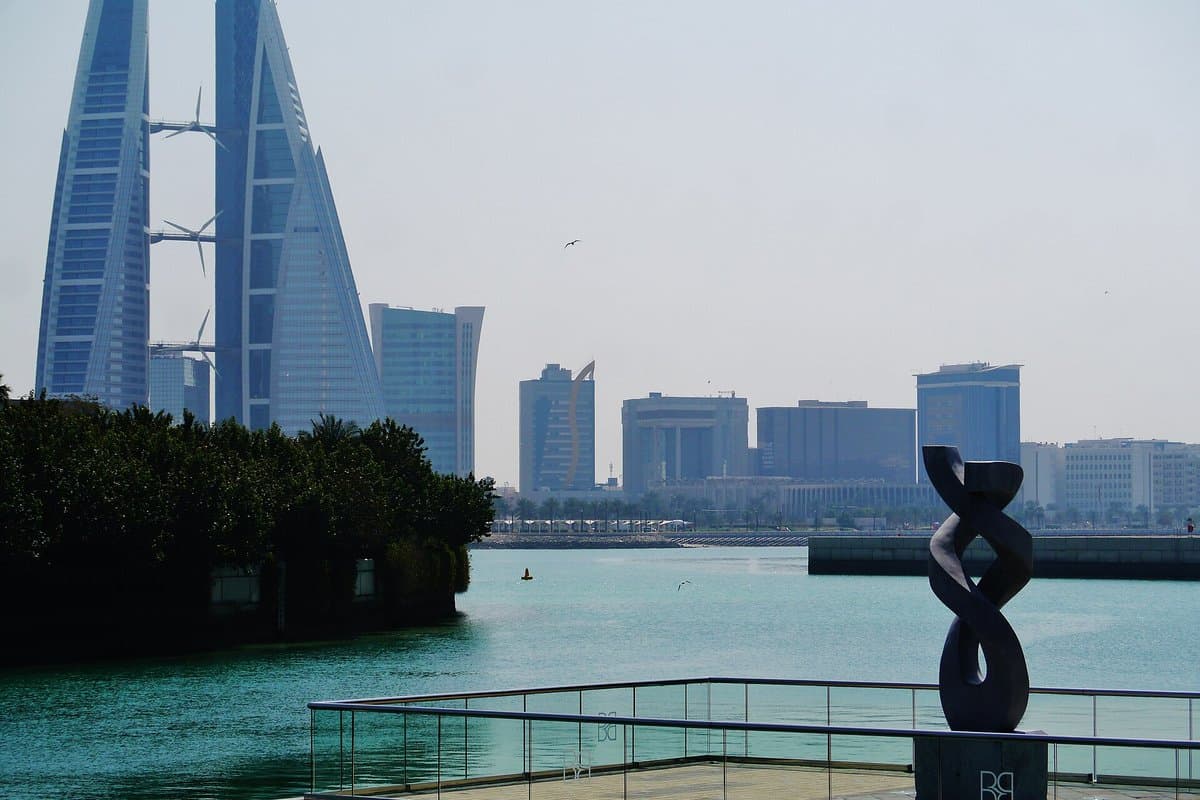
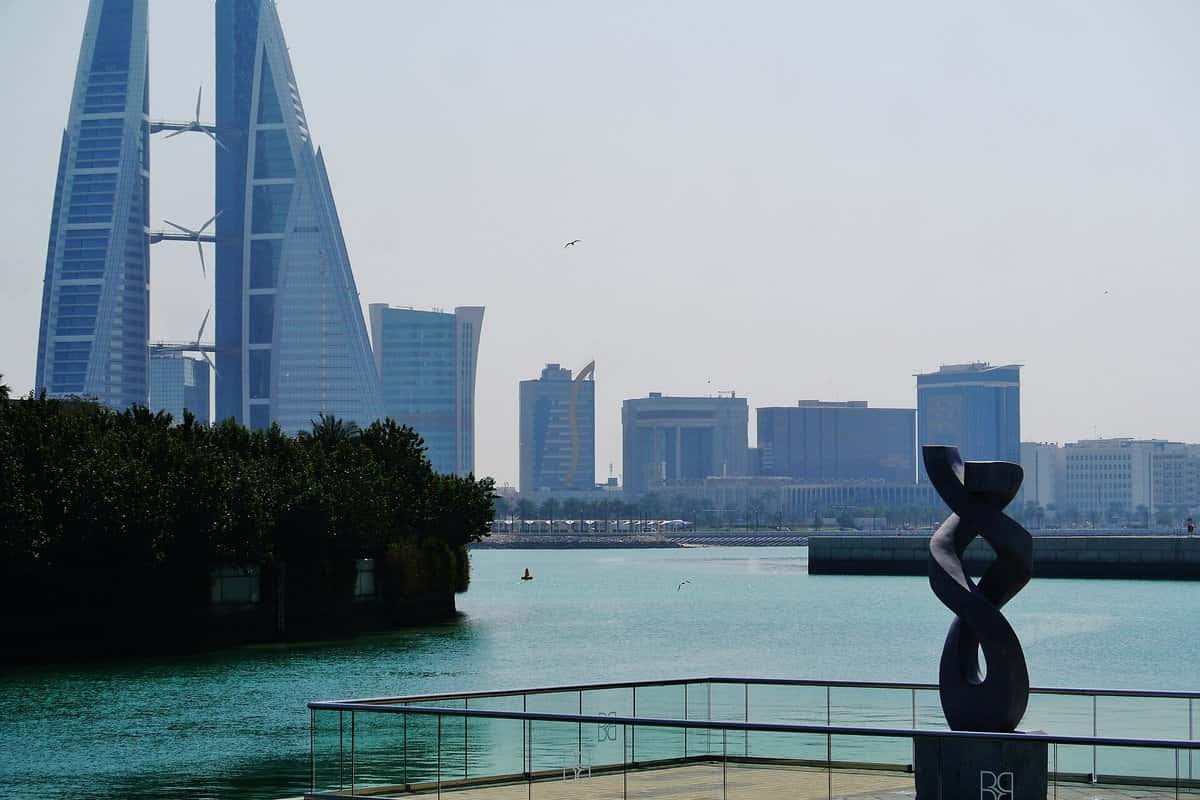
Bahrain · Bahrain World Trade Center and Manama Bay · Zairon · CC BY-SA 4.0
Indian passport holders planning a short trip to Bahrain typically use the kingdom’s official eVisa system run with the Nationality, Passports and Residence Affairs (NPRA) online service. This bahrain visit visa for indian passport guide covers how to check eligibility, which portal screens to use, document themes, and how to read fees and stay conditions only from the live system, not from agent quotes.
Visa status for Indian passports
Bahrain publishes an online visa country list and an apply / eligibility wizard on evisa.gov.bh. India appears on the official list of countries eligible to get a visa online, but terms and conditions apply, so you must still:
- Open Electronic Visa Eligibility / the Apply & Eligibility path on the portal.
- Select India as nationality and your country of residence.
- Choose tourism (or the purpose that matches your trip).
- Review the visa types the system returns (duration, entries, conditions).
GCC facilitation, multi-entry products, or airside transit rules do not automatically apply to every Indian passport case—only what the wizard shows for your answers.
VisitVisaInfo shares general information from official sources. We are not a government agency or visa centre, and we do not lodge applications or give legal advice. Confirm current product eligibility on the official eVisa portal before applying.
How the Bahrain eVisa process works
NPRA documents the electronic process on pages such as Electronic Visa Process and the NPRA eVisa services hub. In plain steps:
- Start at www.evisa.gov.bh—the official NPRA eVisa domain.
- Complete eligibility and select the tourist product offered.
- Fill the online form with names exactly as in the passport.
- Upload passport scan and photograph to the portal’s specifications.
- Provide travel details (arrival window, accommodation, return/onward ticket) when asked.
- Pay the fee displayed for that product.
- Save the application reference and track status on the same site.
- Enter Bahrain on the same passport used in the application, carrying the approval (print or mobile) as instructed.
Do not use lookalike “Bahrain visa” domains that ask for payment outside evisa.gov.bh / NPRA.
What happens after you submit
The official process page describes payment in two stages. The first payment is made by credit card through the portal’s secure payment gateway when you submit, and the portal then issues an Application Reference Number—note it down, because you need it to check status or retrieve the file later. For several travellers, use “Submit another application” to pay for all with one card.
Your application then goes through NPRA processing. If it is approved, you receive a notification email; you then return to the eVisa homepage, choose “Pay for Application”, and enter your details to retrieve the application. If it is not approved, the email asks you to contact NPRA—do not simply reapply with a different story.
Document themes for Indian applicants
The live checklist controls the file. Typical uploads:
- Passport biographical page (validity rules appear on the portal—confirm before you book non-refundable tickets)
- Recent colour photograph meeting NPRA specs
- Return or onward ticket when the form requires it
- Hotel booking or Bahrain address
- Payment card for the checkout amount
- Additional evidence for non-tourism purposes (business invitation, medical letter) if you selected those categories
Fees, stay length, and processing
NPRA does not publish one fixed Bahraini dinar fee or a single stay length for Indian passports; each eVisa product card shows its own.
- Tourist products on the portal may offer different durations and entries—read the product card the wizard returns.
- Check the official portal for the current fee before you apply.
- Processing times are portal-stated; use your application status, not agent promises.
- NPRA does not publish approval or refusal rates for Indian applicants.
Choosing the right product and travel timing
When the eligibility wizard returns more than one tourist option, compare entries (single vs multiple), permitted stay, and validity to enter on the product cards—not on a blog table. Pick the shortest product that covers your itinerary unless you genuinely need multiple entries. Paying for a longer product does not guarantee approval.
Apply early enough that a refusal or request for extra documents will not strand non-refundable tickets. NPRA does not publish an India-specific refusal rate; treat each application on its own facts (funds, itinerary consistency, prior travel).
If you are in India, apply from India with residence answers that match your situation. If you reside in the UAE, Saudi Arabia, or another country, say so in the form—eligible products can differ by residence even for the same Indian passport.
Common mistakes to avoid
- Skipping the conditions. NPRA asks applicants to read the conditions for each visa type and confirm they meet all requirements *before* applying.
- Losing the reference number. Without it, status checks and the post-approval step are harder.
- Ignoring the approval email. Check that the address you enter is correct and watch spam folders.
- Name or passport errors. The portal offers a Visa Data Correction service; use it rather than travelling on a record that does not match your passport.
Extensions, cancellation and corrections
The evisa.gov.bh services menu links Visa Extension and Visa Cancellation through the government portal Bahrain.bh, alongside Check Application Status, Visa Data Correction, and Register New Guarantor. If you want to stay longer or cancel a visa, use those official links rather than an agent. The eVisa pages do not list an extension fee or extra duration for Indian passports, so rely on what the Bahrain.bh service shows for your visa and never stay beyond the period printed on your approval.
Official links
You will leave VisitVisaInfo for an official government or designated VAC website.
FAQ
Can an Indian passport holder get a Bahrain eVisa?
India appears on the official list of countries eligible for an online visa, but you must confirm eligibility and product type on evisa.gov.bh for your nationality and residence answers.
What documents are needed?
Online form, passport scan, photo, and payment per the portal—plus travel evidence the checklist lists. Follow the live specifications.
How much is the Bahrain visit visa for an Indian passport?
Check the official portal for the current fee for the product you select. Use the amount shown at checkout.
Can I use a Saudi or UAE visa instead?
Do not assume another Gulf visa substitutes for Bahrain entry. Follow Bahrain NPRA rules for your passport unless the live portal states a specific exemption.
Does VisitVisaInfo lodge my application?
No. Apply only through evisa.gov.bh / NPRA official channels.
Keep reading
Related guides


Official sources checked 22–30 September 2026 (Asia/Karachi). Re-check official pages before travel.